Demand planning is the process of turning a demand forecast into a single number the business commits to: the volume it will make, buy, stock and fund for each product over the planning horizon. It sits between forecasting, which produces the estimate, and supply planning, which decides how to meet it.
That definition is on every page that ranks for this term. What none of them say is what a good demand planning team is actually for, so we’ll say it. A demand planner’s real product is the decision about which numbers deserve human judgment, and the best teams we work with have arranged their month so that most numbers don’t. This guide covers the process and the KPIs because you need them. Its point is the section on when planners stop touching the forecast.
What is demand planning?
Demand planning takes a statistical forecast, adds what the forecast can’t know (a promotion sales just agreed, a retailer delisting, a launch date that moved), reconciles the views of sales, marketing and finance, and publishes one agreed number per product per period. Supply planning then answers that number with production, purchasing and inventory decisions.
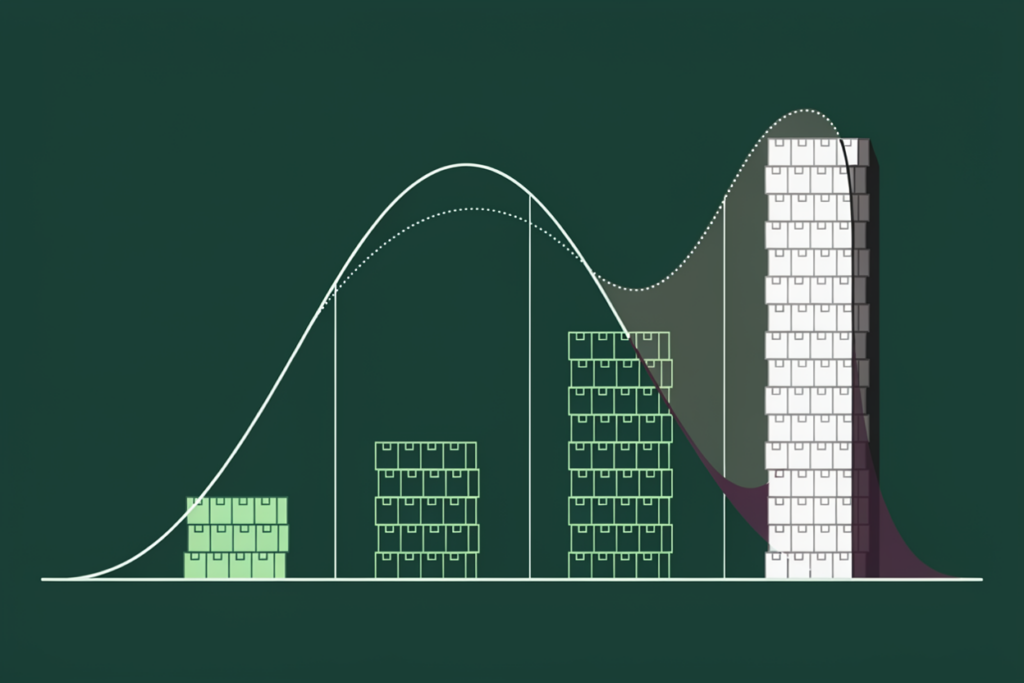
The output is the part worth pausing on. A forecast is an estimate of what customers will do. A demand plan is a commitment about what the company will do in response: how much it will make, what it will buy, what it will hold, what revenue it will tell the board to expect. The moment the number is agreed, it becomes a set of orders. That’s why demand planning has a governance layer (reviews, sign-offs, a calendar) that forecasting on its own doesn’t need, and why every commitment inherits the error of the forecast it was built on.
In supply chain terms, demand planning is the first half of sales and operations planning: it owns the demand side of the balance, supply planning owns the other, and the S&OP meeting reconciles the two. If you’re newer to the estimate itself, the main demand forecasting methods are covered in our complete guide, and everything below assumes a forecast already exists.

Demand planning vs demand forecasting vs supply planning
The three terms get used interchangeably in job titles and software brochures, and they describe three different jobs. Forecasting produces the number. Demand planning agrees it. Supply planning answers it.
| Demand forecasting | Demand planning | Supply planning | |
| Question it answers | What will customers buy? | What volume will we commit to? | How will we meet that volume? |
| Output | A statistical estimate by SKU and period, with error bands | One agreed, signed-off demand number per SKU and period | Production, purchasing, inventory and capacity plans |
| Main inputs | Order and shipment history, causal drivers, seasonality | The forecast, plus market intelligence from sales, marketing and finance | The demand plan, plus lead times, capacity, supplier constraints |
| Owner | Forecasting model or analyst | Demand planner and demand planning lead | Supply planner, operations, procurement |
| Scored on | Forecast error and bias | Forecast accuracy, bias, value added, touch rate | Service level, inventory, capacity utilization, cost |
Note the distinction between the first two columns. When a company says “our forecast accuracy is 72%,” it’s usually scoring the demand plan, the number after every human adjustment, and calling it the forecast. Those two numbers can be far apart, and which one you measure decides whether you can tell if your planners are helping.
What a demand planner actually does
A demand planner owns the demand number for a set of products, categories or customers, and the week has a rhythm to it.
Early in the cycle the work is preparation: cleansing history so that last quarter’s stockout doesn’t teach the model that demand fell, tagging promotions and one-off orders, and loading the corrected history so the statistical baseline runs on clean input. Then the baseline arrives and the planner reviews it, item by item or exception by exception depending on how mature the process is, and adds what the model can’t know: a customer’s confirmed promotional volume, a launch, a delisting, a competitor’s exit.
The middle of the cycle is spent chasing input. Sales has a view on the pipeline, marketing has a campaign calendar, finance has a budget it would like the plan to match. The planner collects all three, tests them against the baseline, and runs the consensus meeting where one number is agreed. Then the plan goes into the ERP or planning system, and the cycle starts again.
Planners are judged on four things: how close the plan came to actual demand, whether it ran systematically high or low, whether their adjustments improved on the statistical baseline, and, in the teams that measure it, how much of the forecast they had to touch at all. Those four are the KPI section below. The responsibility underneath all of them is the same: deciding which numbers need a person and which ones don’t.

The demand planning process, month by month
Demand planning runs on the S&OP calendar, and a standard monthly cycle looks like this.
- Week one: data gathering and the baseline. The demand planner closes the previous month’s actuals, cleanses history, and runs the statistical forecast.
- Week two: the demand review. The demand planning lead brings the baseline to sales and marketing, collects market intelligence and promotional plans, and builds the consensus demand plan.
- Week three: the supply review. The supply planning lead tests the demand plan against capacity, inventory and supplier constraints and flags the gaps.
- Week four: reconciliation and the executive meeting. The S&OP process owner prepares the trade-offs, and the executive sponsor chairs the meeting where the plan is approved and the demand number becomes the company’s number.
Each step has a named owner, a fixed week and a defined output, and the five steps, the week-by-week calendar and the ownership matrix are laid out in our guide to the S&OP process step by step, so we won’t repeat them here. The point for demand planning is that the first two weeks are yours, and how much of that time goes to manual adjustment is the variable that decides everything else.
The four KPIs a demand planning team is judged on
Four measures, defined once each.
Forecast accuracy. How close the plan came to actual demand, usually reported as one minus a weighted error metric. WMAPE is the practitioner’s default because it weights each item’s error by its volume, and how to measure forecast accuracy properly, including why MAPE and WMAPE disagree on the same data, is in our guide to how to measure forecast accuracy. Score it at the level you buy at, at the lag you commit at, or the number flatters.
Forecast bias. The signed error: whether the plan runs systematically high or low. Bias is the more expensive error because it compounds, and in consensus processes it’s usually structural, since sales protects targets and finance anchors to budget. Track it as a running signed measure next to accuracy.
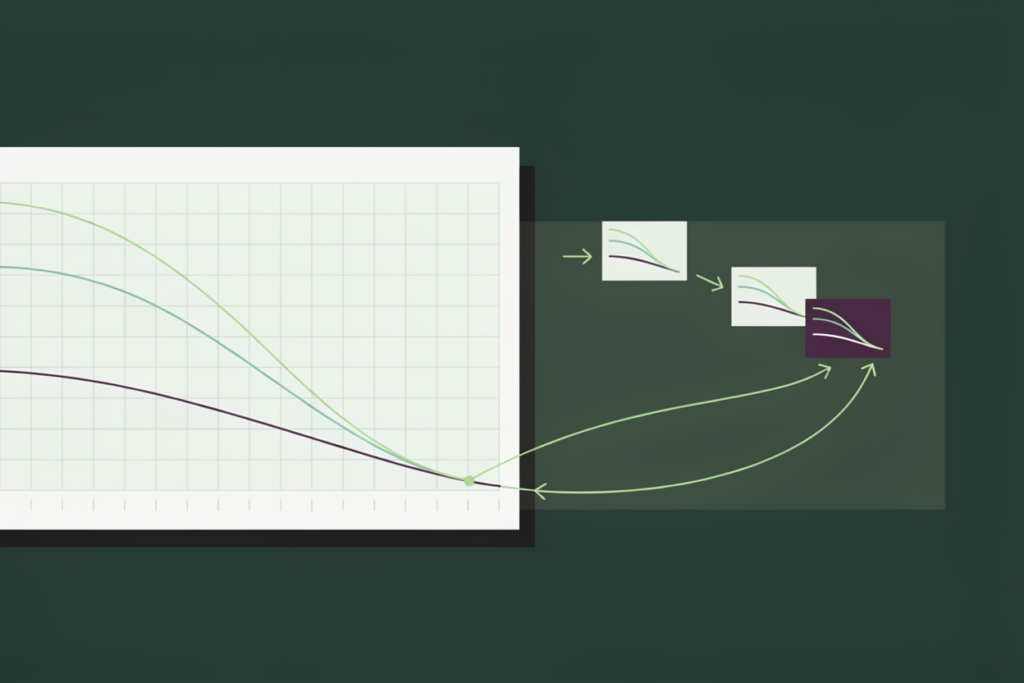
Forecast value added. Whether each step of the process, statistical baseline, planner adjustment, consensus override, executive override, improved on the step before it. FVA is the KPI that tells a planning lead which touches are earning their keep, and in many organizations the honest answer is that at least one stage subtracts value every month.
Planner touch rate. The share of forecast volume (or forecast lines) that a planner adjusted before the plan was published. Almost no team measures this, and it’s the one that sets up the next section, because touch rate combined with FVA answers the question every planning leader should be asking: how much of the work we do to the forecast makes it better?
All four are measurable from data most teams already have, and all four are how we scored the deployments in our 2026 accuracy report, in each company’s own metric and definition. How we measured it is at the top of the report for anyone who wants to run the same scorecard internally.

The touchless threshold: when planners stop touching the forecast
Most planning teams know the shape of this problem before anyone measures it. The planning tool produces a baseline. The planners don’t trust it, so they adjust it, SKU by SKU. Next month brings the same adjustments to the same SKUs. The work never shrinks, because the forecast underneath it never improves, and the adjustments never get fed back into anything that would improve it.
Most of that manual override is rework, and much of it makes the forecast worse. That second half is the part teams resist until they run FVA and see it. A planner adjusting a number they don’t trust is applying judgment to a symptom, and the symptom recurs because the cause, a baseline that under-calls promotions or over-calls the long tail, is still there next month. So the same SKUs get the same touches, the touch rate stays high, and the planning lead concludes that the team is busy, which it is.
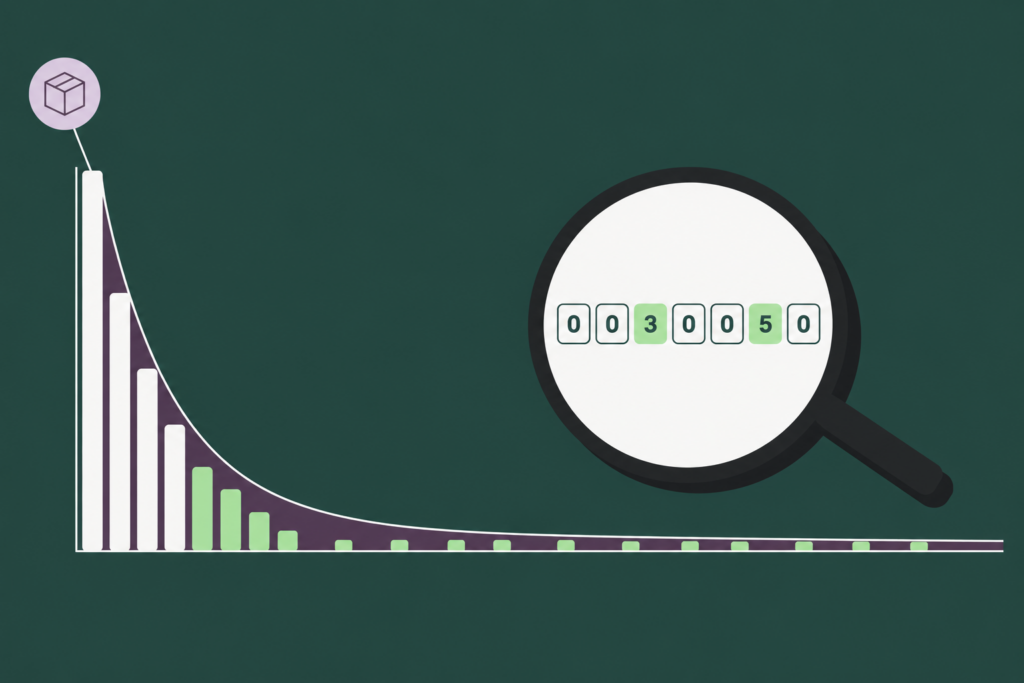
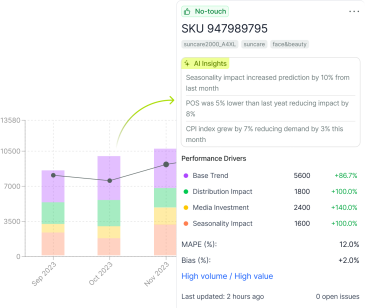
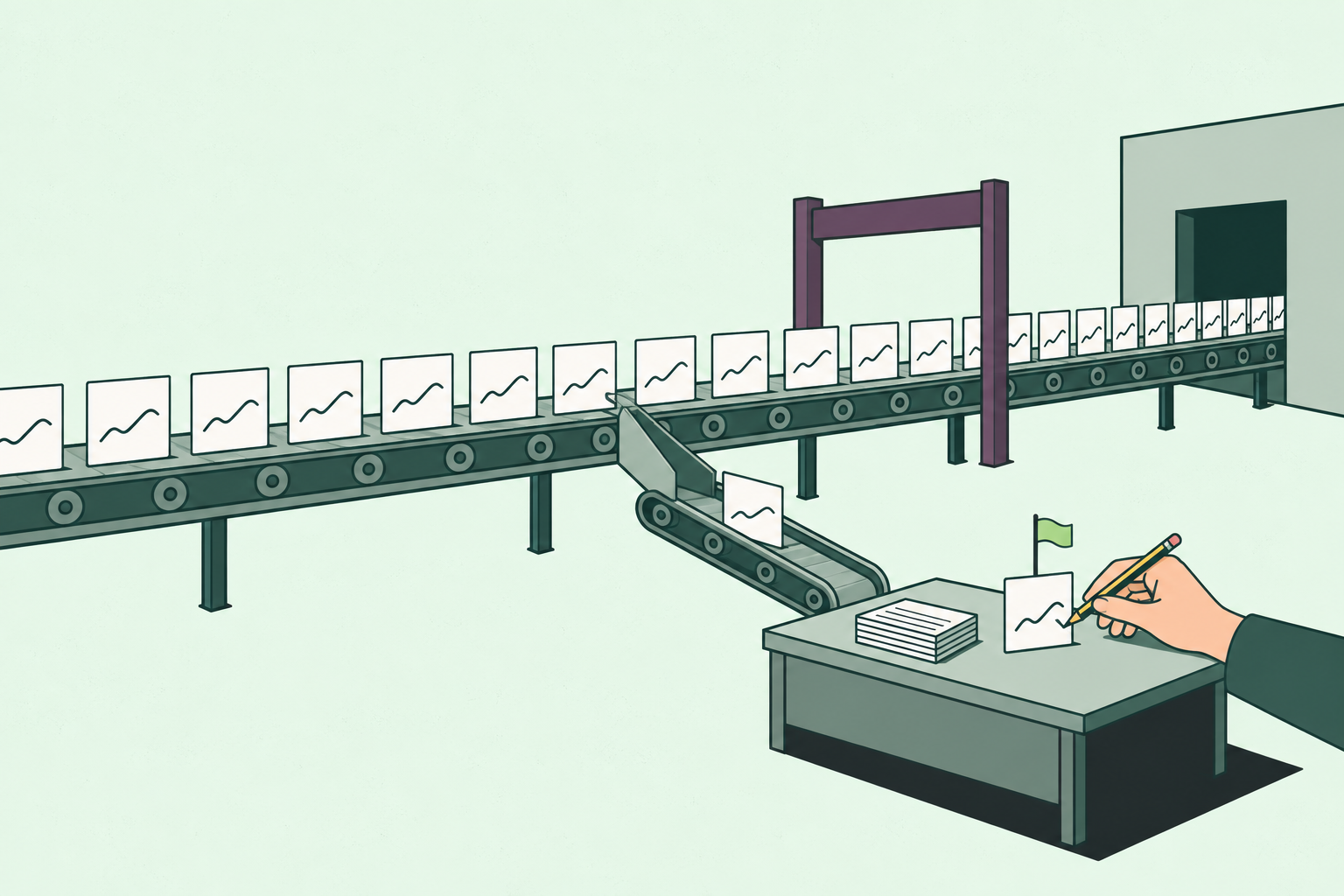
Once accuracy passes a bar, the planner’s job changes shape. The forecast for most items goes straight into the plan, and the planner’s week moves from reviewing everything to investigating the items the model flags: the launch with no history, the promotion nobody tagged, the account with a known change coming. Our 2026 accuracy report calls that bar the touchless threshold, defined in the section on planner effort, and we use the term the way the report does rather than redefining it here. Past it, demand planning becomes exception management, which is the version of the job planners describe as the reason they took it.
The tell that a team is ready for this shift is when the adjustments start feeling repetitive, because repetition means the human is making the same correction the model should have learned. The tell that a team has made the shift is that touch rate falls while accuracy holds or improves, the only combination that proves the touches you removed weren’t adding value.

What has to be true before you can go touchless
The counterweight, because teams that switch off human review before they’ve earned it go backwards, and they usually blame the model when they do.
Four things have to be in place. Measured accuracy at SKU level, not category level, since aggregation hides exactly the items that need a human. Clean history, with stockouts, promotions and one-off orders tagged, because a model learning from dirty history will confidently reproduce last year’s mistakes. A working exception process, meaning the model flags items for review on defined criteria (new, promoted, out of tolerance, high value) and a planner actually reviews them on a schedule. And trust, which follows from the first three and can’t be declared: planners stop overriding a forecast when they’ve watched it beat their overrides for a few cycles, and no sooner.
Portfolio size is a weaker excuse than it sounds. Manual planning effort dropped by 70%, and in one deployment 75% of forecast volume qualified as touchless. Those results came from portfolios of very different sizes. Portfolio size was never the blocker: deployments ran from a few hundred SKUs to more than 100,000, with horizons from 8 weeks to 36 months. The one that ran more than 100,000 SKUs on a three-year horizon also cut its manual data cleanup by about 70%, which is the step that usually consumes the first week of the cycle. The detail on portfolios from a few hundred SKUs upward is in the report, with the horizons alongside.
What the sequence should look like, then, is measurement first, then a benchmark of the baseline against what the planners publish, then a segment-by-segment release of items to touchless once the baseline beats the plan on them, with the exception criteria written down before the first segment goes. Teams that do it in that order arrive at a smaller review list and a better plan. Teams that do it in the other order arrive back where they started, with less trust than before.

What to look for in demand planning software
Framed as criteria rather than a product list, since the list changes and the criteria don’t.
Look for a forecast whose accuracy has been measured against your own incumbent, on your own SKUs, at the lag you commit at, before you buy. Look for bias as a first-class metric, since a tool that reports only accuracy hides the error that costs you most. Look for FVA by stage, exception flagging you can configure, explanations you can hand to a sales director who wants to know why their account’s number moved, and a forecast that can go straight into your ERP or planning system for the items that clear the bar, so touchless is a workflow rather than an aspiration.
The vendor field is wide, and our review of the best demand forecasting software compares the main options on capability, fit and cost, so we’ll leave the comparison there. For our part, DemandForecast.ai produces SKU-level forecasts benchmarked against the forecast you already run, in your own metric, with bias and value added reported alongside accuracy and exceptions flagged for the planner. The report is the evidence for that claim; every accuracy figure in it comes from that head-to-head, and how the benchmark was run is the first thing on the page.